

The metronome you feel
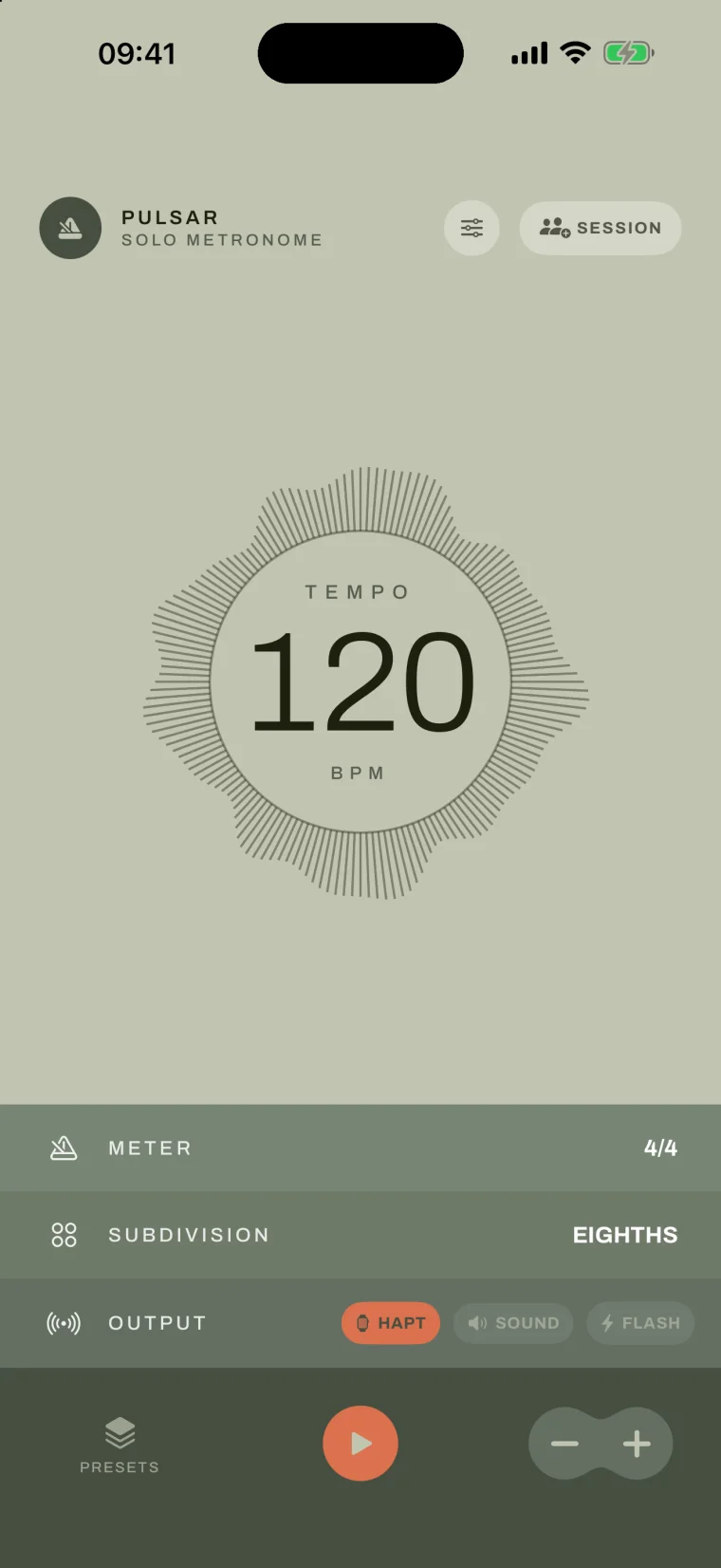
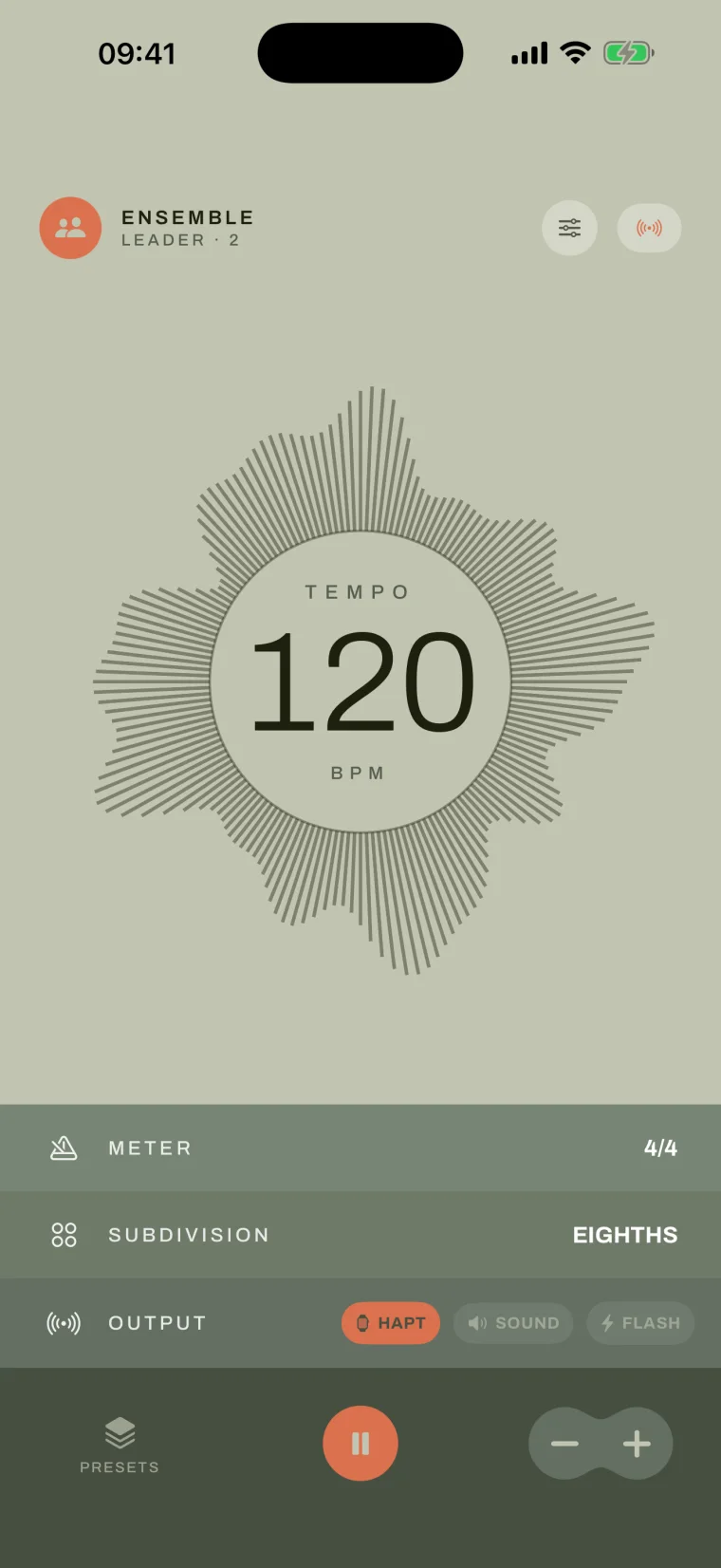
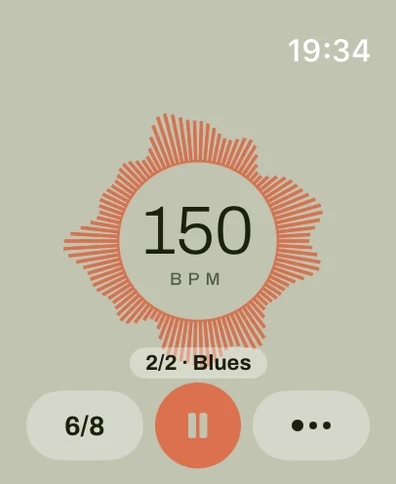

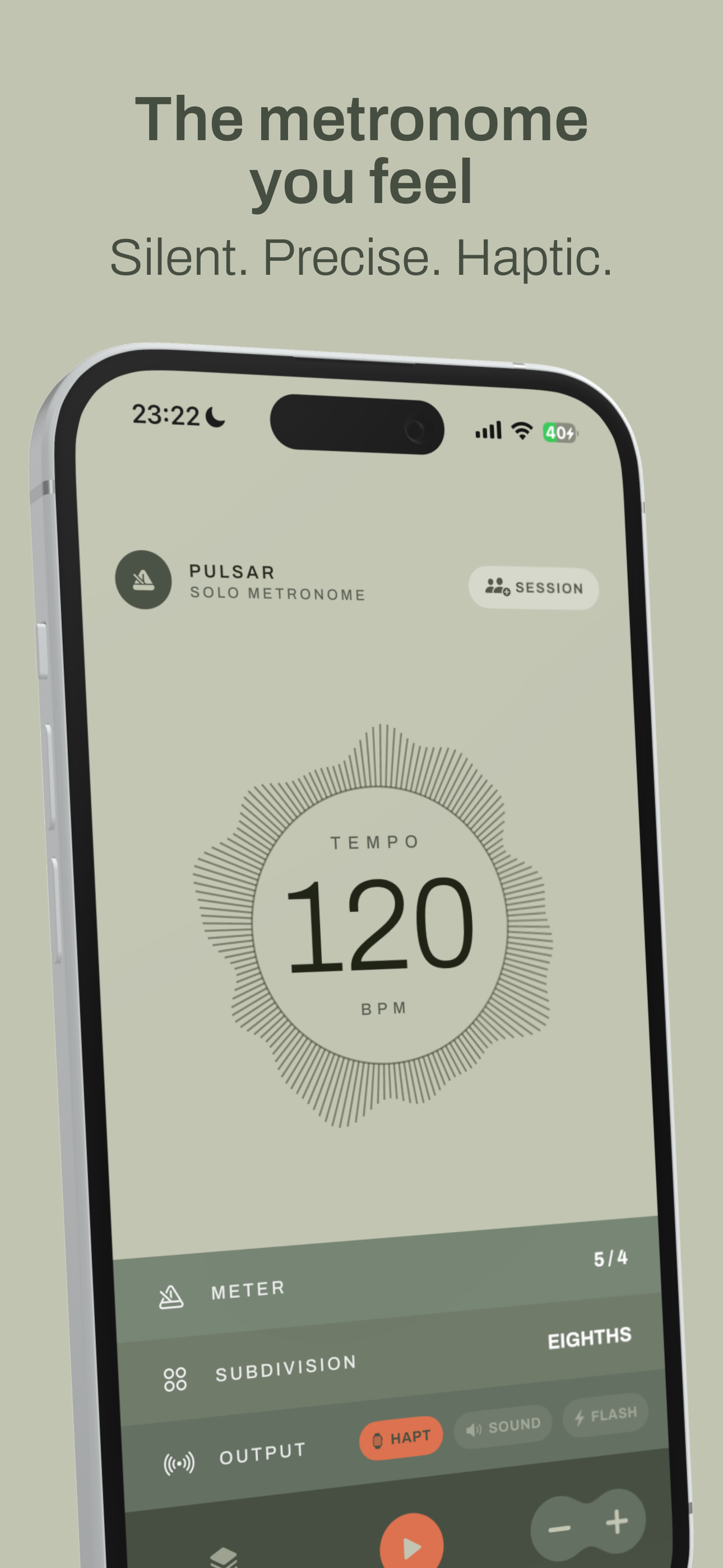
Pulsar is a haptic metronome for iPhone and Apple Watch. Instead of a click you hear, it delivers a crisp pulse you feel, so you can practice in silence, internalize tempo through your body, and keep a whole group in time without a sound.
- 01
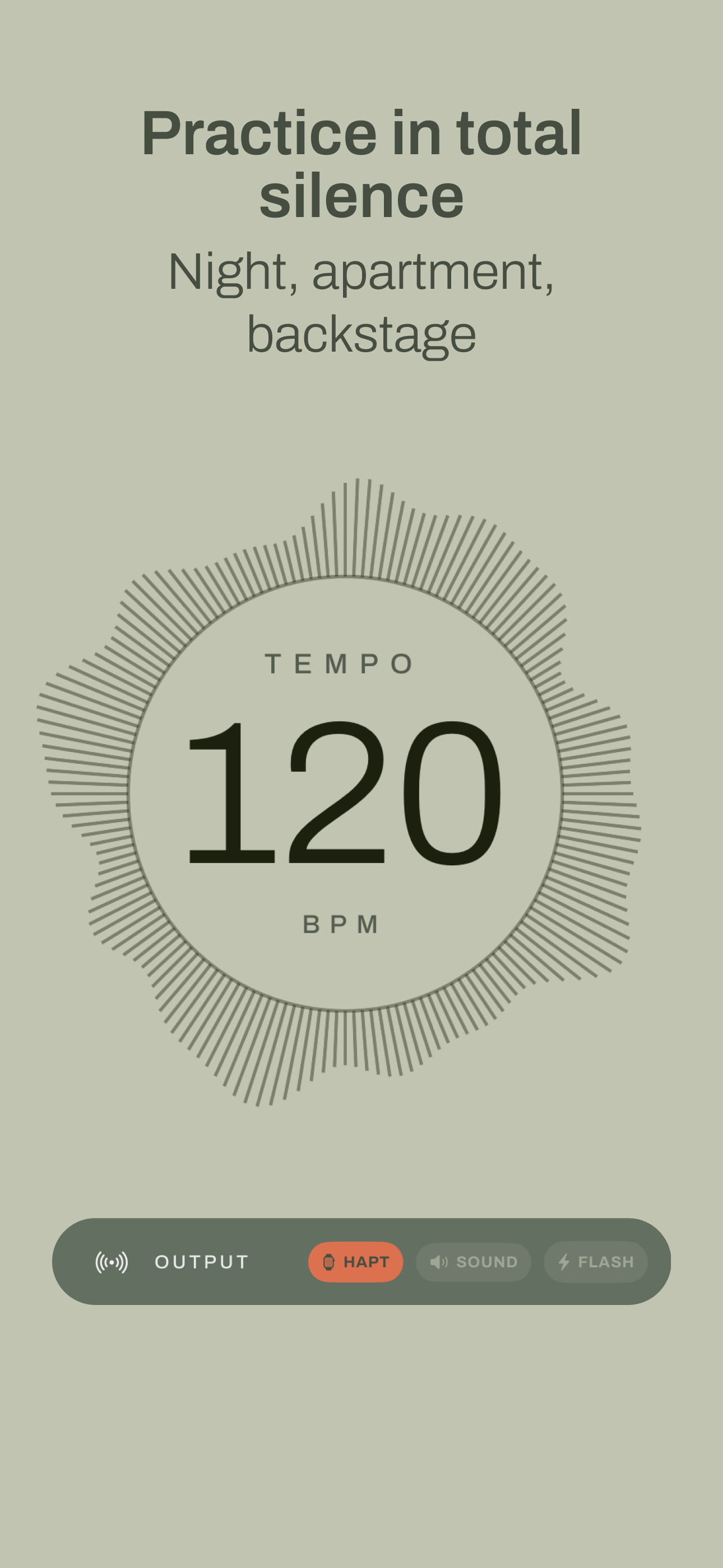
Silent and precise
Practice at night, in an apartment, or backstage, without disturbing anyone.
- 02
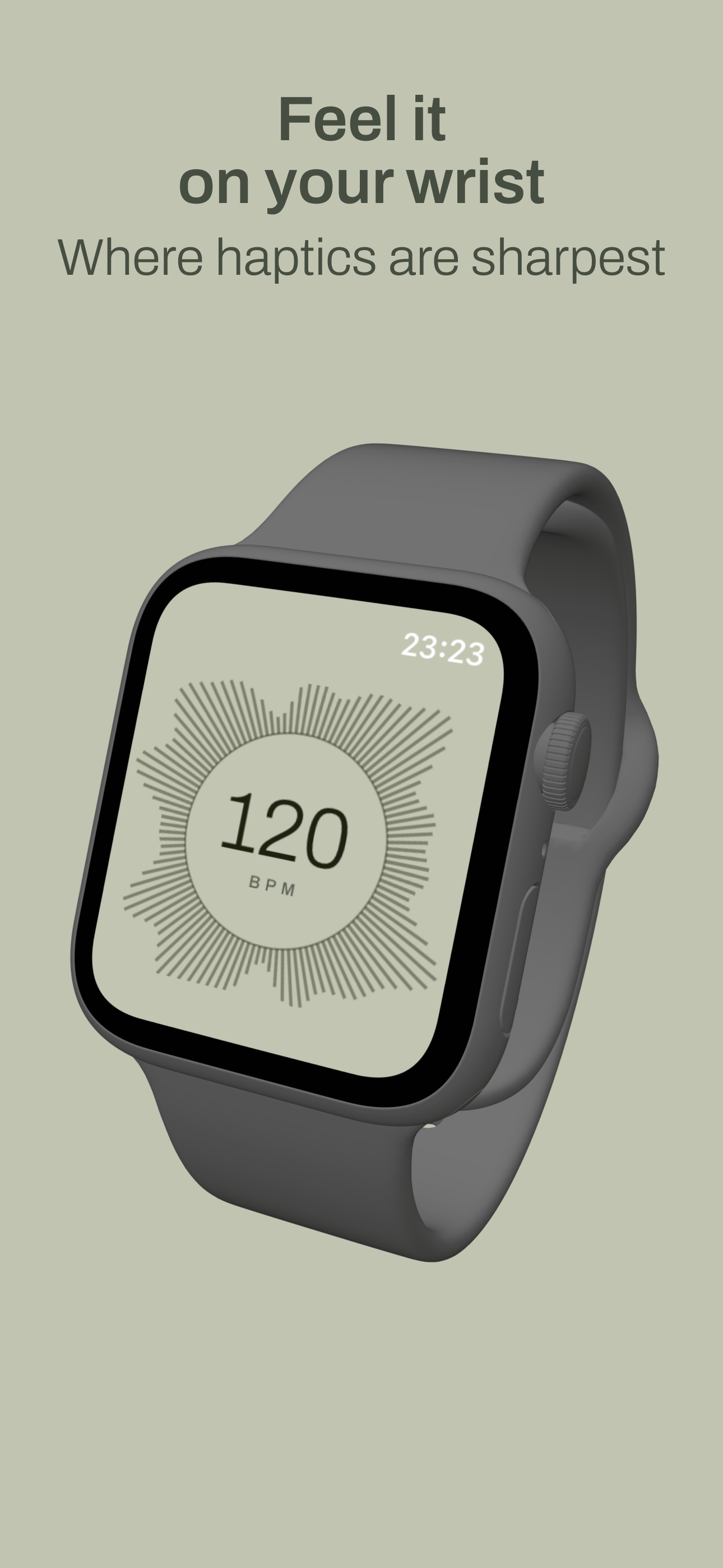
Apple Watch
On the wrist, where haptics are sharpest, subdivisions included.
- 03
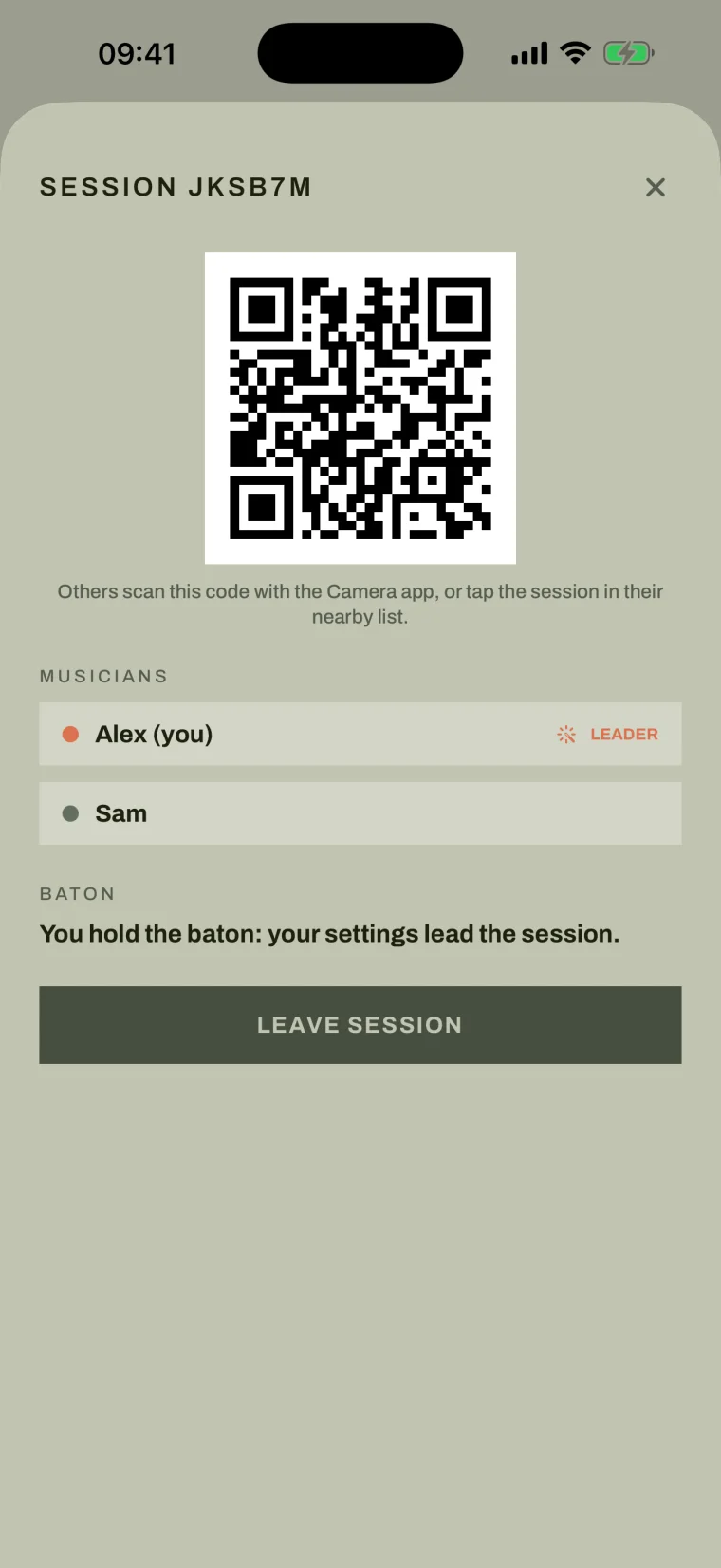
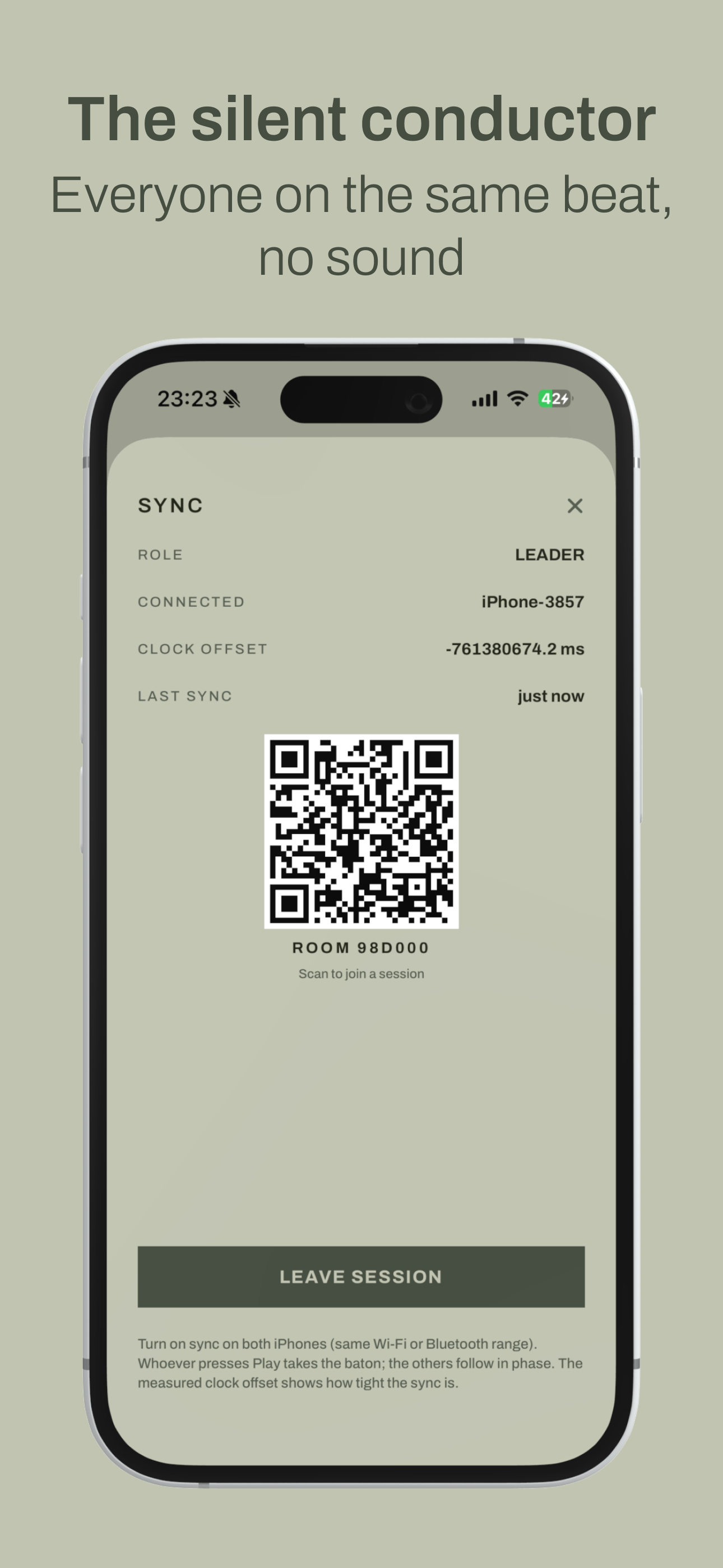
The silent conductor
Sync several iPhones on the local network so everyone feels the exact same beat, no sound.
- 04
Three controls
Tempo, meter accent, and subdivisions, with automatic thinning at fast tempos.
- 05
Feel it, hear it, or see it
Haptic channel, audio click, or on-screen flash, also useful for deaf and hard-of-hearing musicians.
- 06
Presets and history
Get your settings back in one tap.
I don't feel anything on iPhone.
Check that the haptic channel is on and that System Haptics are enabled in iOS Settings. Haptics do not play on the Simulator, only on a real device.
How do I sync several devices?
Open Session on each iPhone, start sync (same Wi-Fi or Bluetooth range), and accept the local network prompt. Whoever presses Play leads, the others follow in phase.
Does it work on Apple Watch?
Yes. The wrist is where haptics are sharpest. Open the app on both the iPhone and the Watch to keep them in sync.
Is it really free?
Yes, every feature is free, with no ads and no in-app purchases.
Branch

Tanguyfounder of Bloomwise Studio
A metronome is a click. The trouble is you can't always afford that click: practicing late at night, in an apartment, backstage right before you play, or keeping a whole group in time without everyone hearing a different beep. I wanted the opposite of a beep: a crisp pulse you feel, at your fingertip or on your wrist. The apps I found treated haptics as an afterthought on top of the sound. Pulsar starts from touch first, and even puts a whole group on the same beat, in silence.